Cinemate – Cinematic Font

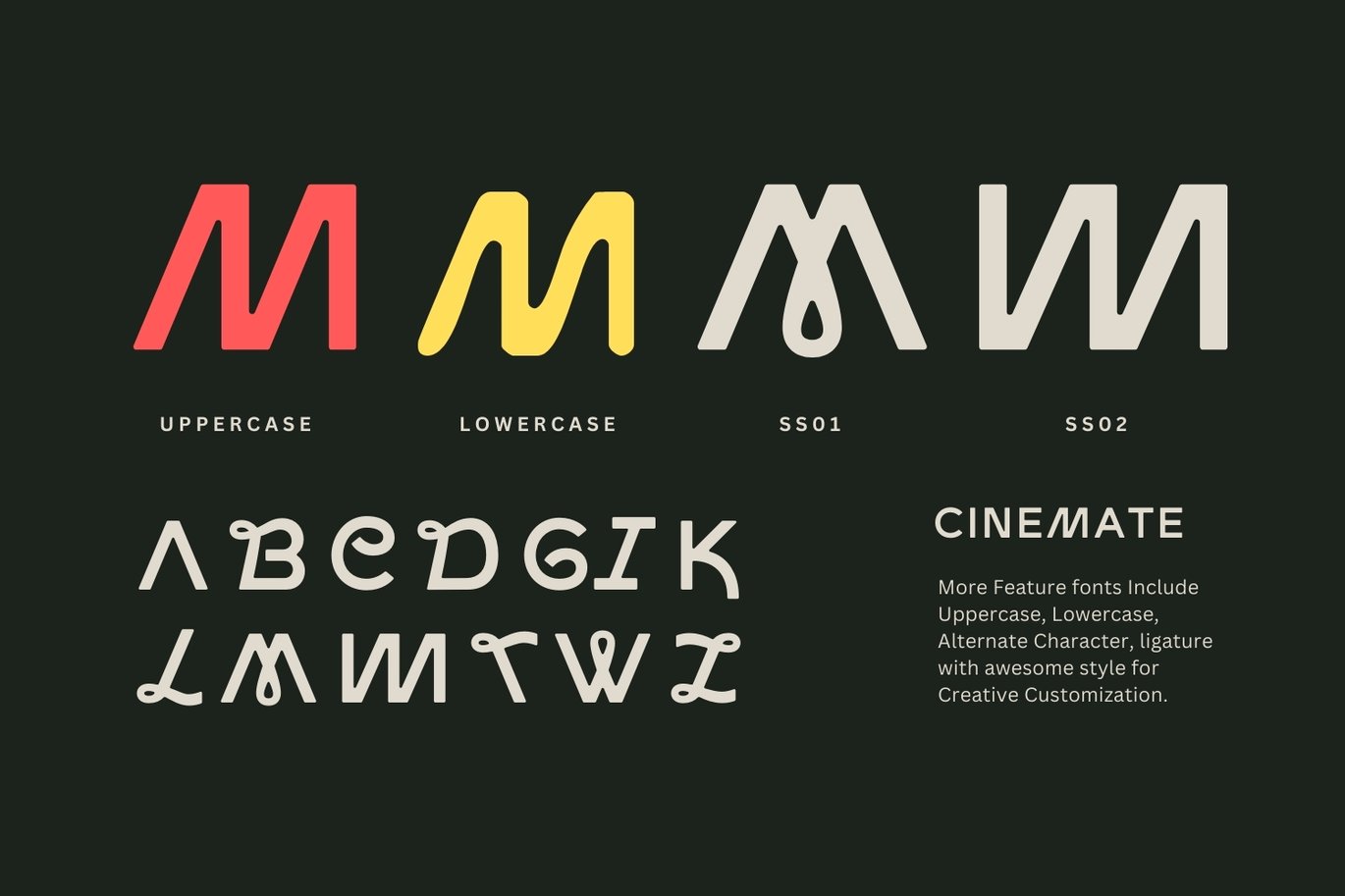
Cinemate is a display sans by indirastd, released in 2024 and built for film-style titles. The base letters are wide and geometric, with clean round O and C shapes, but the font hides a lot of variety: the specimen shows four different capital Ms across the uppercase, lowercase and two stylistic sets, some with loops and curls that look almost hand-drawn.

The full font includes alternates and ligatures, A to Z with numbers and punctuation, in OTF, TTF, WOFF and WOFF2. It works in Adobe apps, Canva and Kittl, which makes it handy for quick social and video graphics.

Best uses for Cinemate

  • Film titles, trailers and YouTube intros
  • Movie-style posters and event flyers
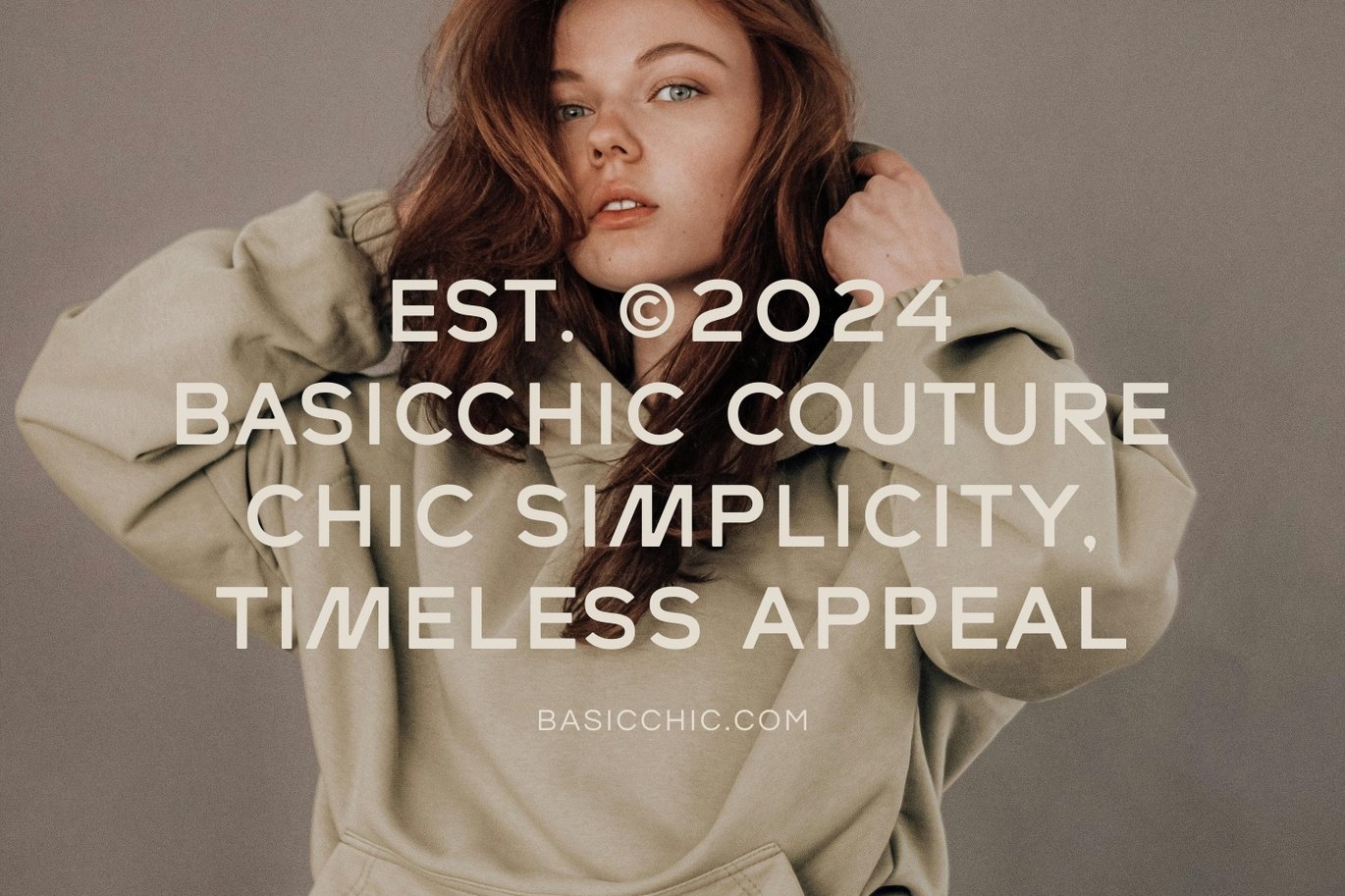
  • Fashion and streetwear branding
  • Travel and adventure graphics
  • Album covers and podcast artwork

Font pairings

Cinemate is wide and airy, so a compact partner works well. Inter is clear for body text and subtitles. For credits and small capitals, Josefin Sans shares its geometric style. For a richer editorial mix, set descriptions in Lora.

Licence & credit

The Cinemate file on FreeFont.io is for personal use only. Cinemate is designed by indirastd, and a commercial licence is available through indirastd’s Cinemate listing on Envato Elements.

Cinemate – Cinematic Font
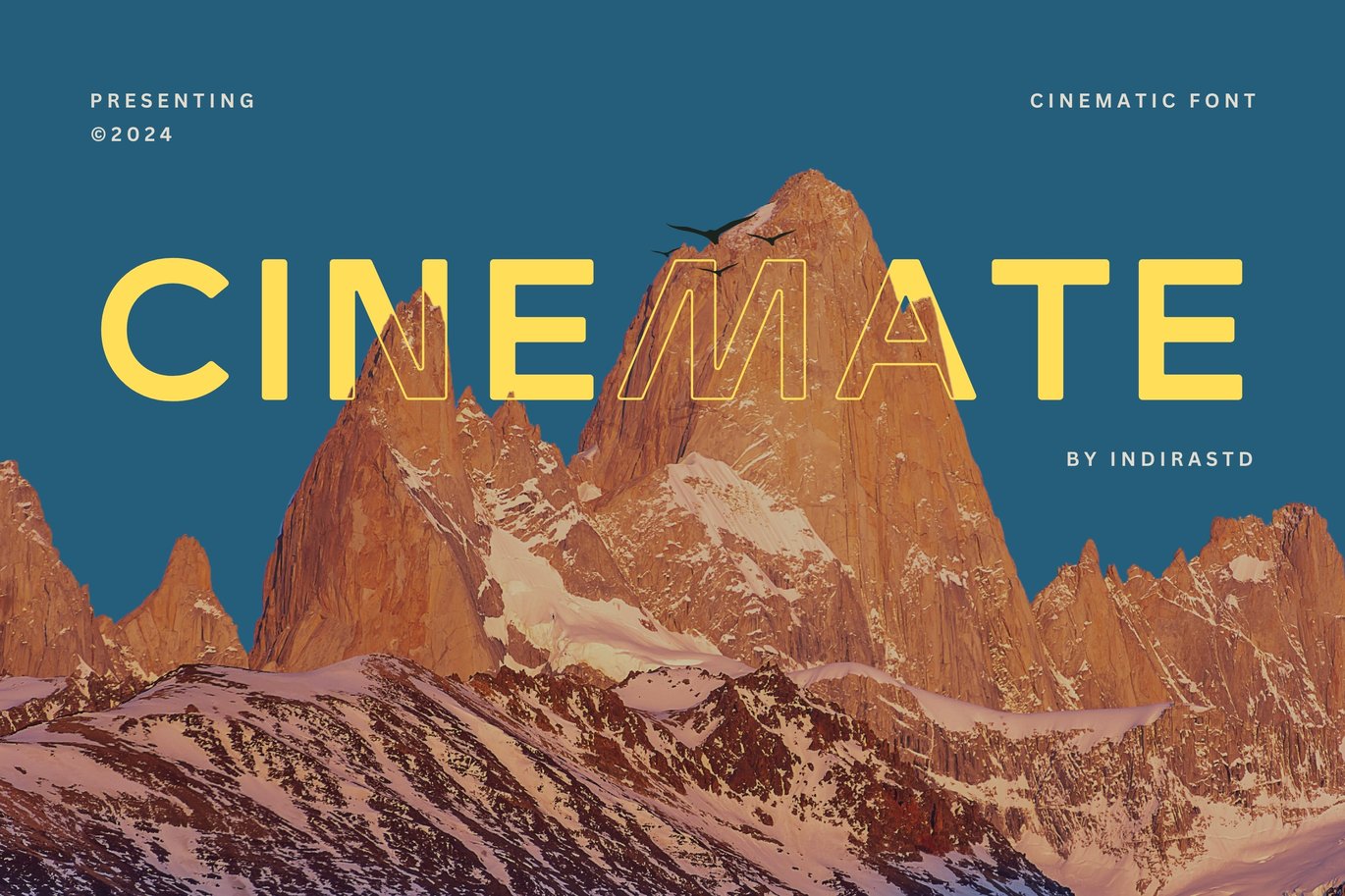
Cinemate - Cinematic Font Preview
Cinemate - Cinematic Font Sample
Cinemate - Cinematic Font Character Map

License: Personal Use Only
Font Type: Free
Format: OTF
Total Files: 1
Cinemate – Cinematic Font: Preview Online

Styles 1 style
Cinemate
The quick brown fox jumps over the lazy dog

Layout · Cinemate
64px
The quick brown fox jumps over the lazy dog

Cinemate – Cinematic Font FAQ

Is Cinemate font free for commercial use?

No. The free file is for personal use only. Film titles for paid work, monetised videos, brands and ads need a licence from indirastd.

What free font is similar to Cinemate?

For a free, open-licence geometric display sans, try Josefin Sans or League Spartan. They give a similar clean, cinematic look without Cinemate’s curly alternates.

How do I use the Cinemate stylistic sets?

In Illustrator or Photoshop, select your text and open the OpenType panel or Window > Glyphs, then pick Stylistic Set 1 or 2. In Canva, alternates may not be available, so use the default letters there.

Featured Fonts

Mounsta Font

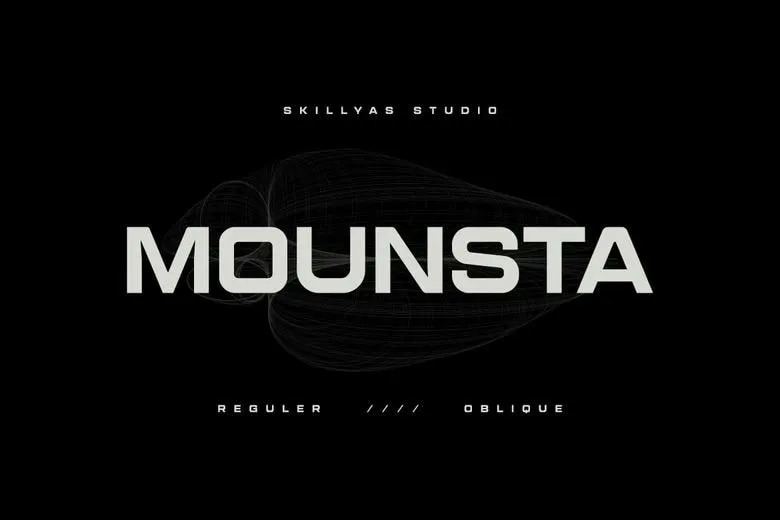
Mounsta is a wide, squared sans display font by Skillyas Studio, with

Andox Font

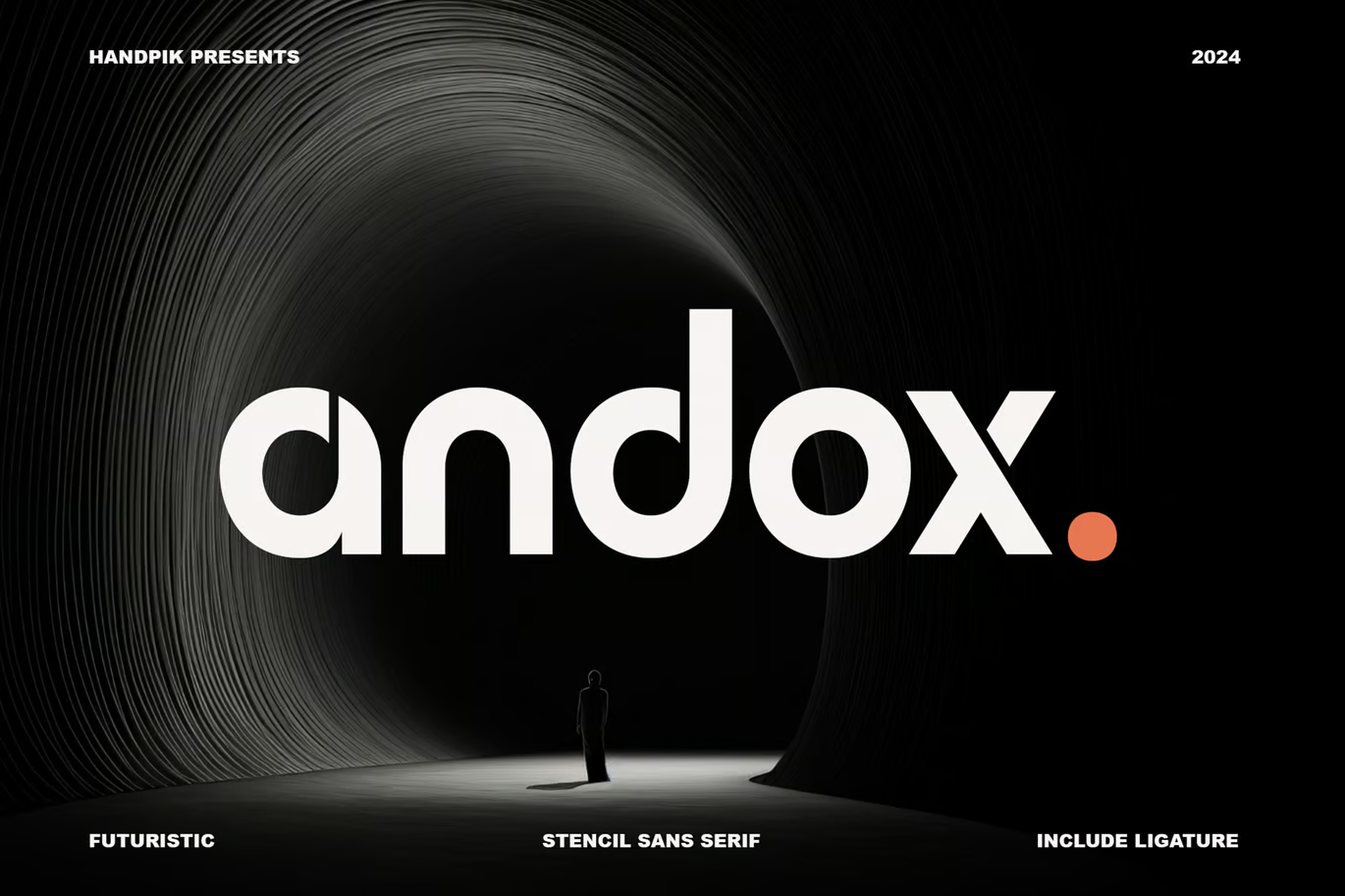
Andox is a rounded stencil sans from Handpik with split letters and

Melbourne Font

Melbourne Font

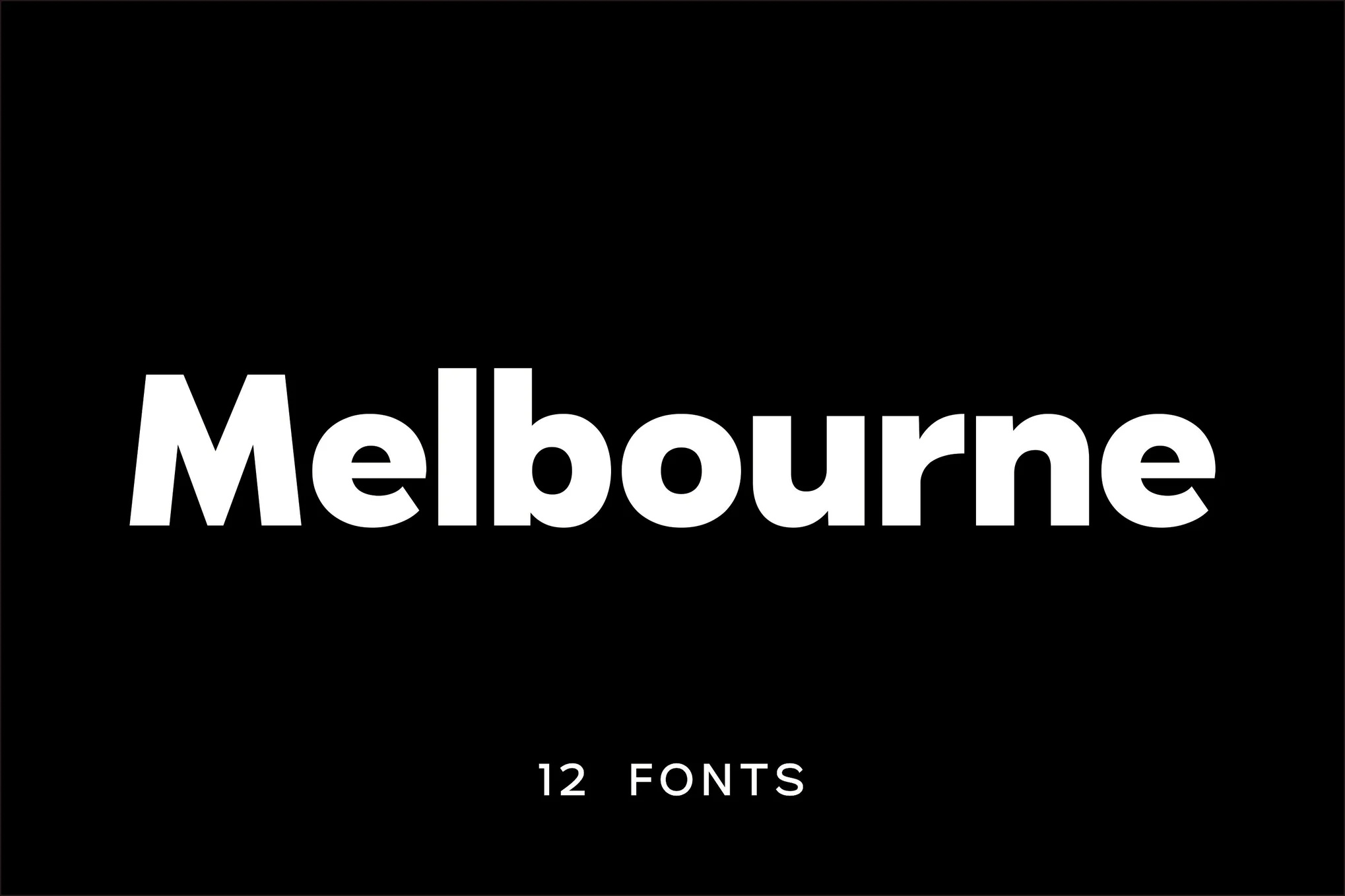
Melbourne is a geometric sans family from Umitype Studio in 12 styles,

Minsten Font

Minsten Font

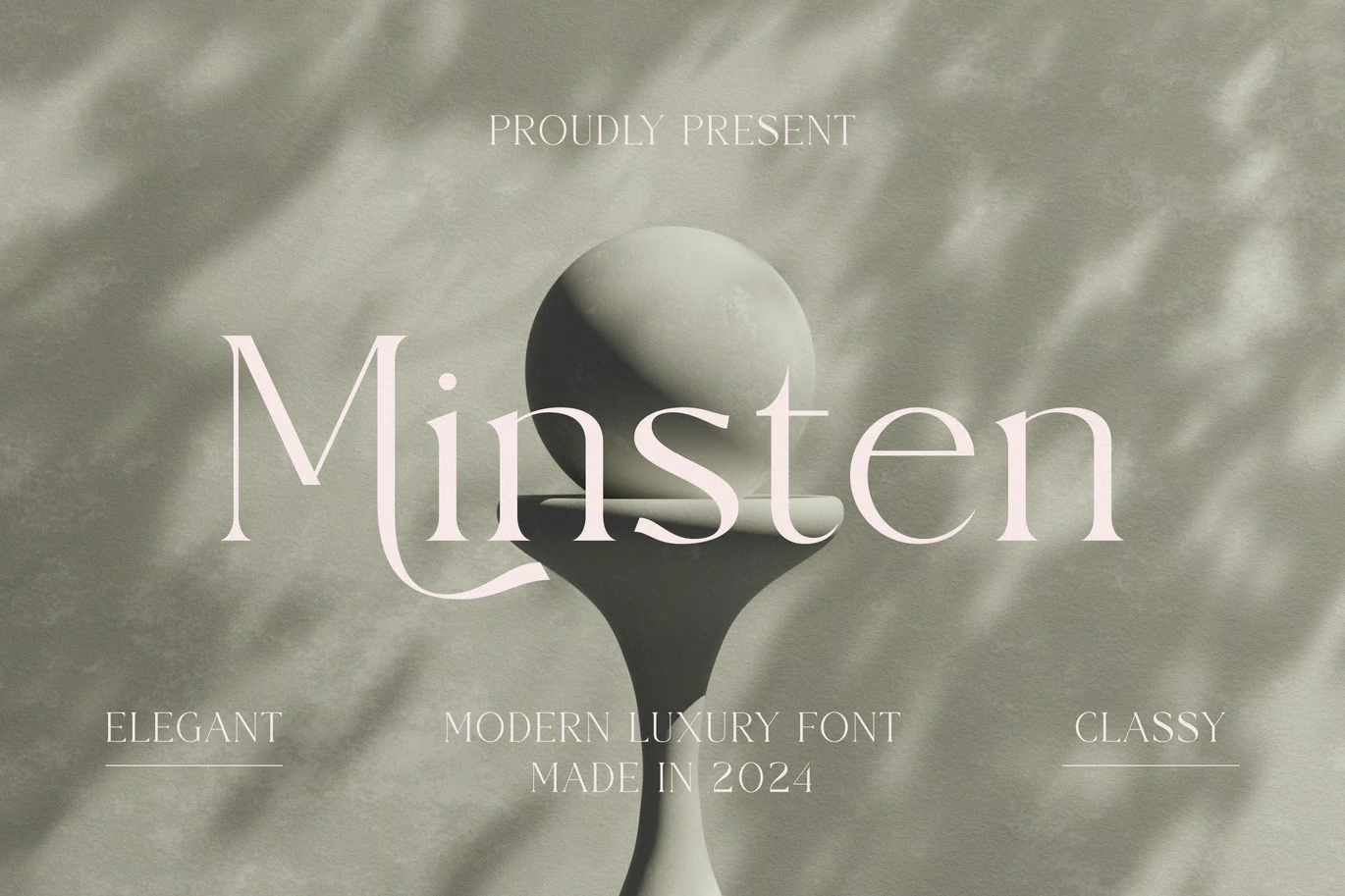
Minsten is a modern luxury serif from Muflieart with fine hairlines and